Tech · · Yunsuk Choi

Product context
If you live in spreadsheets, this is the biggest workflow change of the month. ChatGPT for Excel and Google Sheets went globally generally available on May 5. It's powered by GPT-5.5 and sits in the sidebar, handling formulas, multi-sheet references, and edits directly on your data.

What you need to know
Compiled from OpenAI's announcement, the Help Center, and Analytics Vidhya:
| Item | Details |
|---|---|
| GA launch | 2026-05-05 (global) |
| Beta launches | Excel 3/5, Google Sheets 4/22 |
| Model | GPT-5.5 |
| Surface | Excel and Sheets sidebar |
| Plans included | Free, Go, Plus, Pro, Business, Enterprise, Edu, K-12 — all of them |
| Free preview | Business, Enterprise, Edu, K-12 — through 6/2 |
| After preview | Each plan's credit and usage policy applies |
What it can actually do
The pitch is not "spreadsheets for people who don't know spreadsheets." It's finishing spreadsheet work faster.
Writing and debugging formulas
- "Write a VLOOKUP in this cell" → working formula
- Debug broken formulas → root cause plus the fix
- Auto-generate complex INDEX/MATCH and QUERY formulas
Multi-sheet work
- Combine data scattered across five tabs
- Auto-wire references to external sheets
- "Summarize the totals from every sheet on a new sheet"-style asks
Trackers, budgets, simulations
- Generate a budget template from scratch
- Scenario analysis (optimistic / pessimistic / base case)
- "What happens to my savings rate if income goes up 10%?" what-ifs
Sheet cleanup
- Spot blank cells, duplicates, and outliers
- Normalize formatting and date types
- Text parsing and regex work
"The old loop was copy data to ChatGPT, get an answer, paste back — three steps. Now you work on top of the sheet itself, so the flow doesn't break."
— Paraphrased from Martin Cid Magazine
What you get on the free tier
Including Free is the surprise here — typically a feature like this lands first on Pro and Enterprise.
- Free — Available within usage limits
- Plus / Pro — Counts against your standard ChatGPT credit pool
- Business / Enterprise / Edu / K-12 — Free preview through 6/2, then plan-specific policies
So small-scale users get the same core feature set without paywalling.

*Photo by ThisisEngineering on Unsplash*
How it compares
| Tool | Strengths | Weaknesses |
|---|---|---|
| ChatGPT for Excel/Sheets | Multi-sheet, complex formulas, natural language | OpenAI dependency |
| Microsoft Copilot (Excel) | Deep M365 integration | $30/month add-on |
| Google Gemini in Sheets | Workspace-native | Feature gap |
| Anthropic Claude (external) | Strong on code and analysis | Can't directly edit sheets |
The biggest differentiator: platform neutrality. ChatGPT runs in both Excel and Google Sheets. Copilot is Excel-only; Gemini is Sheets-only.
Things to watch out for
- Sensitive data — Company data is sent to OpenAI. Verify your security policy first.
- Verify formulas — AI-written formulas still need checking, especially in accounting and finance.
- Version control — Lean on Ctrl+Z when the AI rewrites cells autonomously.
- Enterprise policy — Confirm with IT whether internal use is allowed.
- Free / Pro limits — Policies could change after 6/2.
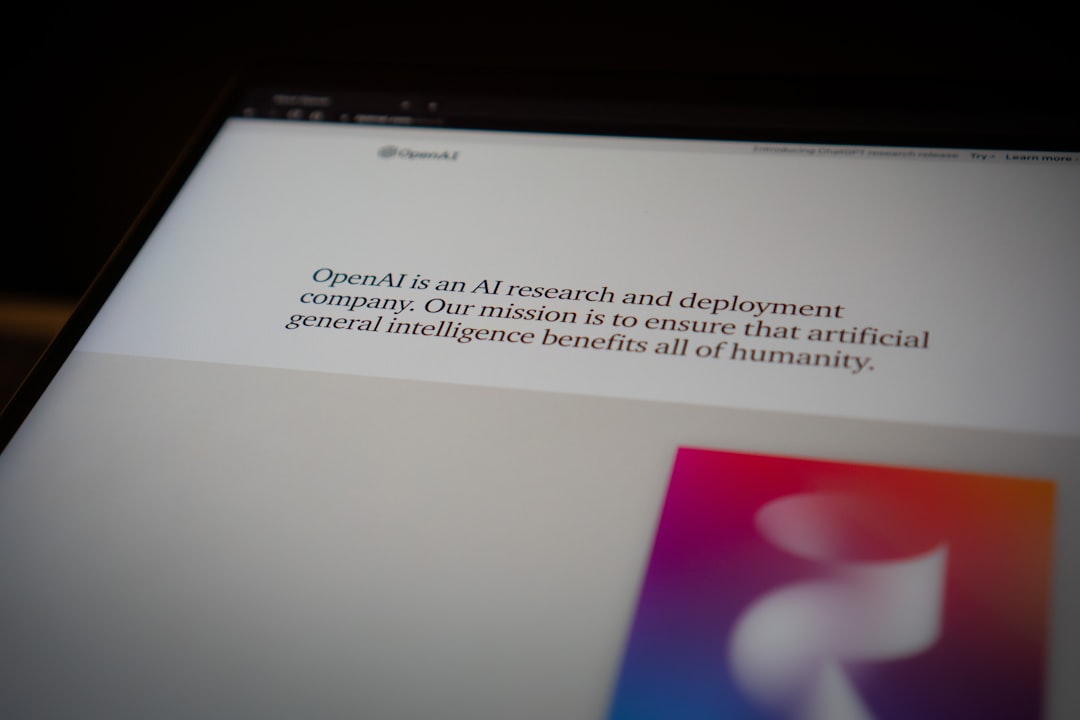
*Photo by Jonathan Kemper on Unsplash*
TL;DR
- 2026-05-05 — ChatGPT for Excel and Google Sheets is globally GA
- Built on GPT-5.5, lives in the sidebar
- Handles formulas, multi-sheet, trackers, cleanup through natural language
- Free tier included; Business plans get a free preview through 6/2
- Versus competitors: Copilot is Excel-only, Gemini is Sheets-only — ChatGPT covers both
If 30% of your workday is in spreadsheets, this is the most immediate ROI release of the year. Just remember: data policy and output verification are still on you.
Related tech notes
For a related thread, see IT coverage or our #OpenAI and #ChatGPT tags. Also see GPT-5.5 Instant recap.
What I checked
References: OpenAI official, OpenAI Help Center, Analytics Vidhya, Martin Cid Magazine, Releasebot May updates
Tags: #ChatGPT #Excel #GoogleSheets #OpenAI